This blog will show you my self built PowerShell based Hyper-V Manager for my work laptop. I work as an IT consultant at Advantive. During my work I do have the need for testing things on virtual machines running Windows Server or Windows 10/11 client OS.
The built in Hyper-V works perfect for this. It only lacks an easy way of deploying templates of Windows OS images. Therefore I created a PowerShell based Hyper-V Manager that does exactly this. The script works on Windows 11, but should also work on Windows 10 or even Windows Server.
View this page for the updated version.
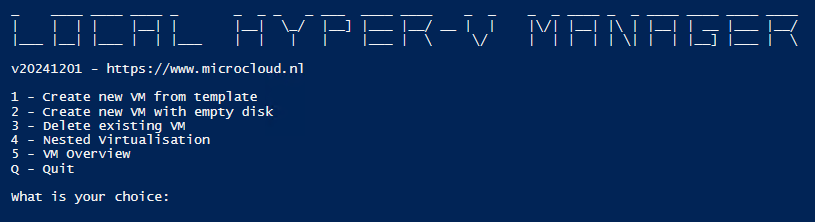
Features of my solution:
- Save disk space due to VHDX differential disks.
- Deploy new Windows based VM with default size and default settings in just a minute.
- Allow connectivity from Hyper-V host to VM with an Internal Network, for example to use RDP to enter the VM.